Uploading Paid Outs
1. On your phone, go to https://datalinkis.com/a/upload.aspx
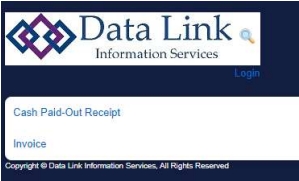
2. Select Cash Paid-Out Receipt:
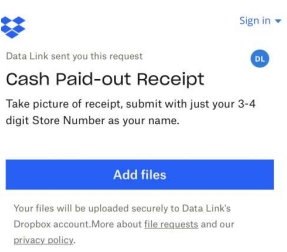
3. Select Add Files
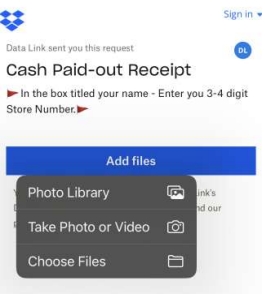
4. Select the photo of the paid out from your library or take a photo if you have not done so already
(*ONLY ONE PAID OUT PER PHOTO*)
- If you do not have a receipt for a paid out, you will need to create a document with the date, vendor, amount,
and a brief description of what the paid out is for, then send it up to be matched to the paid out in your register system.
5. Once the photo is selected, you will be directed to this screen:
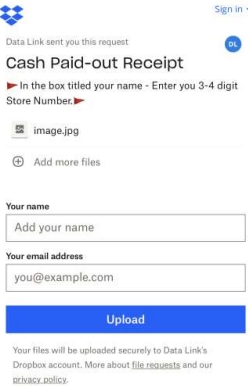
6. For your name, put your store number instead (this will always be your store #)
7. Enter the store’s email address for confirmation
8. Select Upload - this will upload the photo to the Data Link Website for you to match it to the paid out you entered in the register system.
9. Please refer to our Matching Paid Outs procedure on what to do next. If you have any questions, please contact
cash@datalinkis.com