Touch to Pay Machines
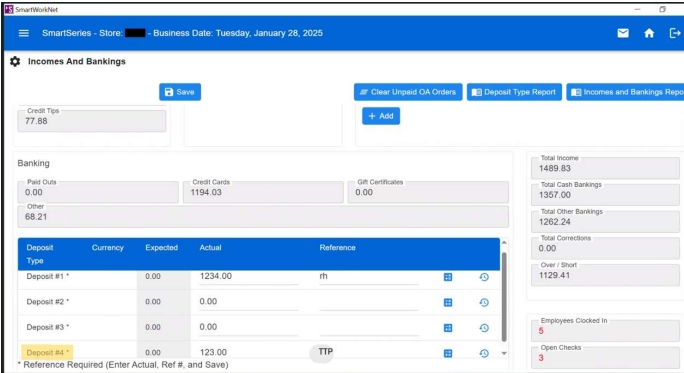
*TOUCH TO PAY DEPOSIT MUST BE ENTERED AS DEPOSIT 4*
Infor:
- At EOD run the report to get the day’s total
- On your handheld machine select line 3
- Select ‘Open Summary’ – this will give you the total for the day
- Enter the daily total in Deposit 4
- Enter TTP in reference slot
Micros:
- At EOD run the report to get the day’s total
- On your handheld machine select line 3
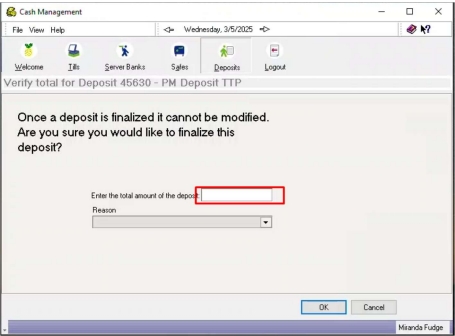
- Select ‘Open Summary’ – this will give you the total for the day
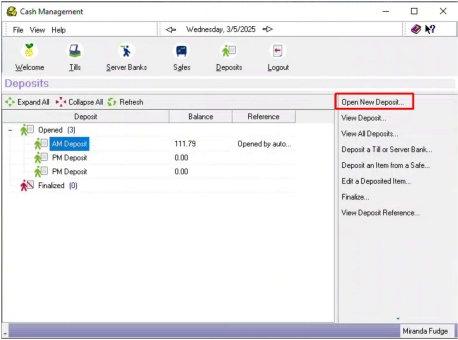
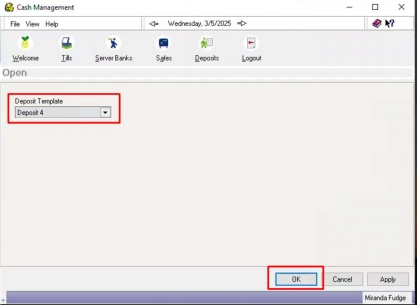
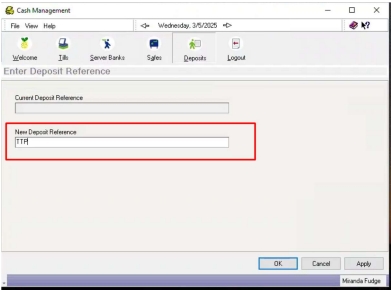
- Enter TTP for New Depsoit Reference