Matching Paid Outs
1. Log into the Data Link website with your credentials
2. Select Entry
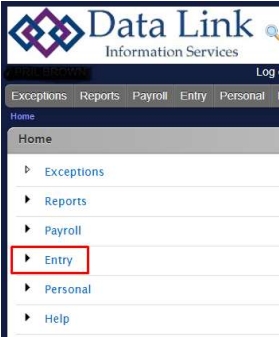
3. Select Match Paid Out
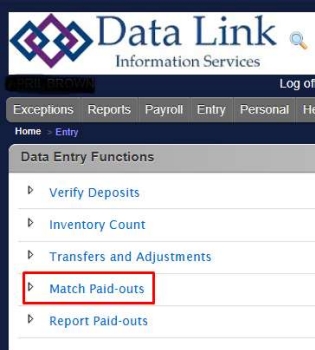
4. You will then be taken to this screen to match the paid outs:
- Note: Please refer to our Uploading Paid Outs procedure on how
to upload the images of your paid outs
5. Click the Match Paidout drop-down box and select the paid out that goes with the receipt
6. Once paid out is selected click Match Paidout to match the paid out
7. Once matched, it will automatically go to the next paid out image
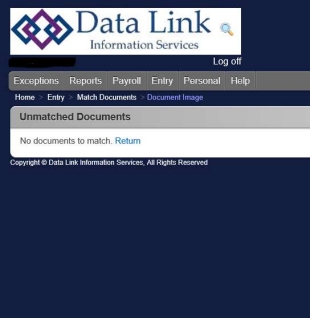
8. Once all documents are matched, you will see this screen:
9. If you have any questions, please contact cash@datalinkis.com